FTP Access
FTP stands for File Transfer Protocol and it is the standard way to upload or download files. FTP access is the way that most people use to upload files for their web sites, so of course, we include it as a standard feature of all our web hosting plans.
Setup several FTP Accounts
If you have a number of people who need to upload or download files to your web site - you may want to setup a FTP Account for each user so you can restrict what files they have access to. You can setup FTP users to have full access to your web site files or limited access, whatever you require.
Manage your FTP Accounts
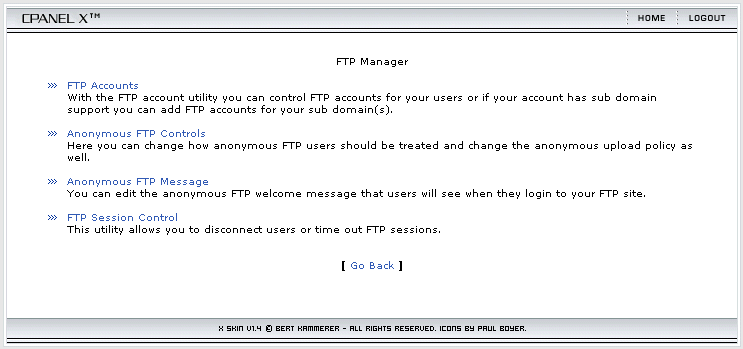
You can manage your FTP accounts easily through our built in CPanel web site control panel. Through the control panel you can add or delete FTP accounts, reset passwords and restrict or unrestrict file access.
Here is a screenshot of the screen you will use to manage your FTP accounts - click it to see a full size picture:
Recommended FTP Software
All major operating systems include a basic FTP client software package that you can use to upload and download your files. Since the built in FTP client software tools are rather primitive and hard to use, we recommend the following FTP clients. These are both very simple and easy to use:
<%@ include file="/ssi/learn-about-sales-links.jsp" %>